
For devs you can go to the information page, it’ll explain most thing you need to know when working on Teams but (actually) good
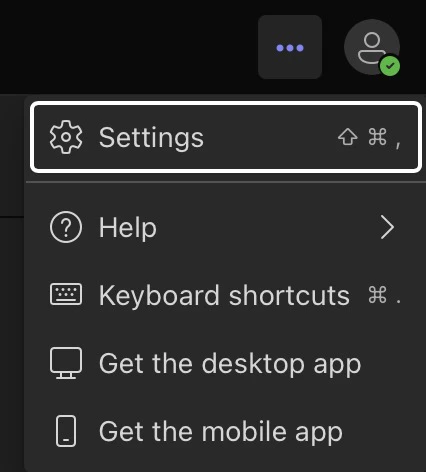
3 dots and press on Settings (or whatever it’s called in your language)
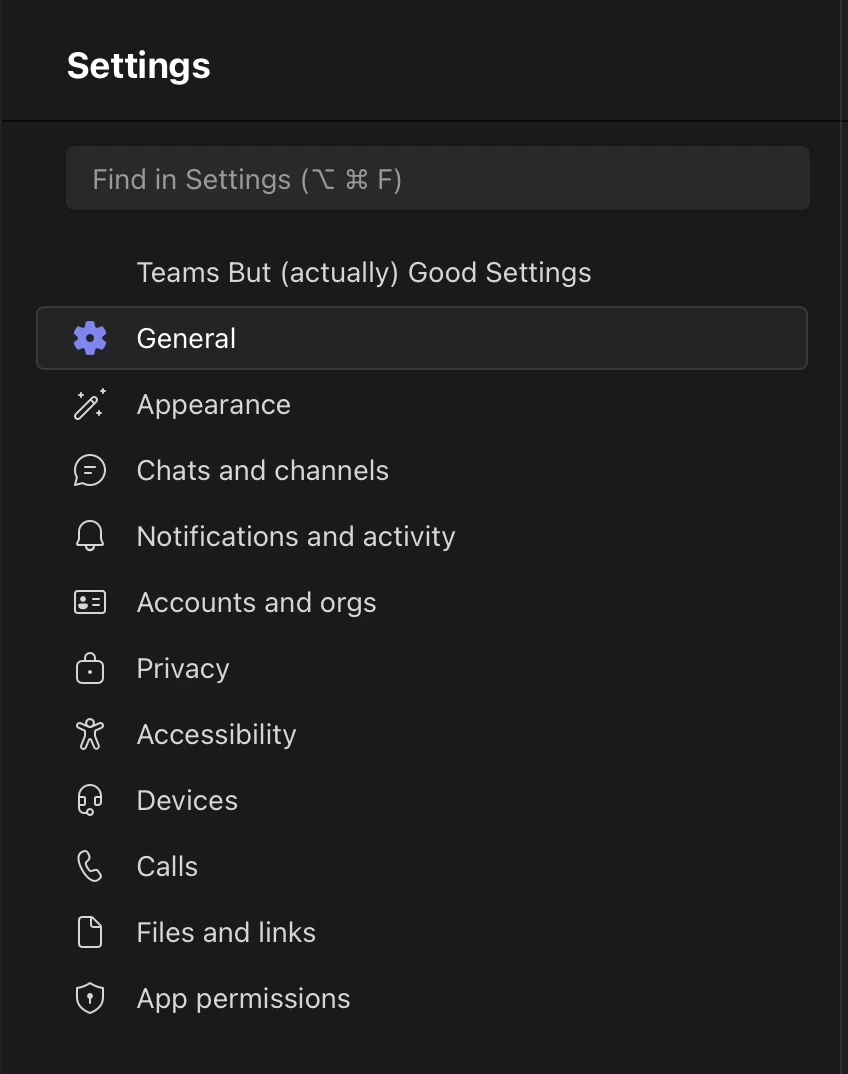
Teams but (actually) good Settings in the settings tab
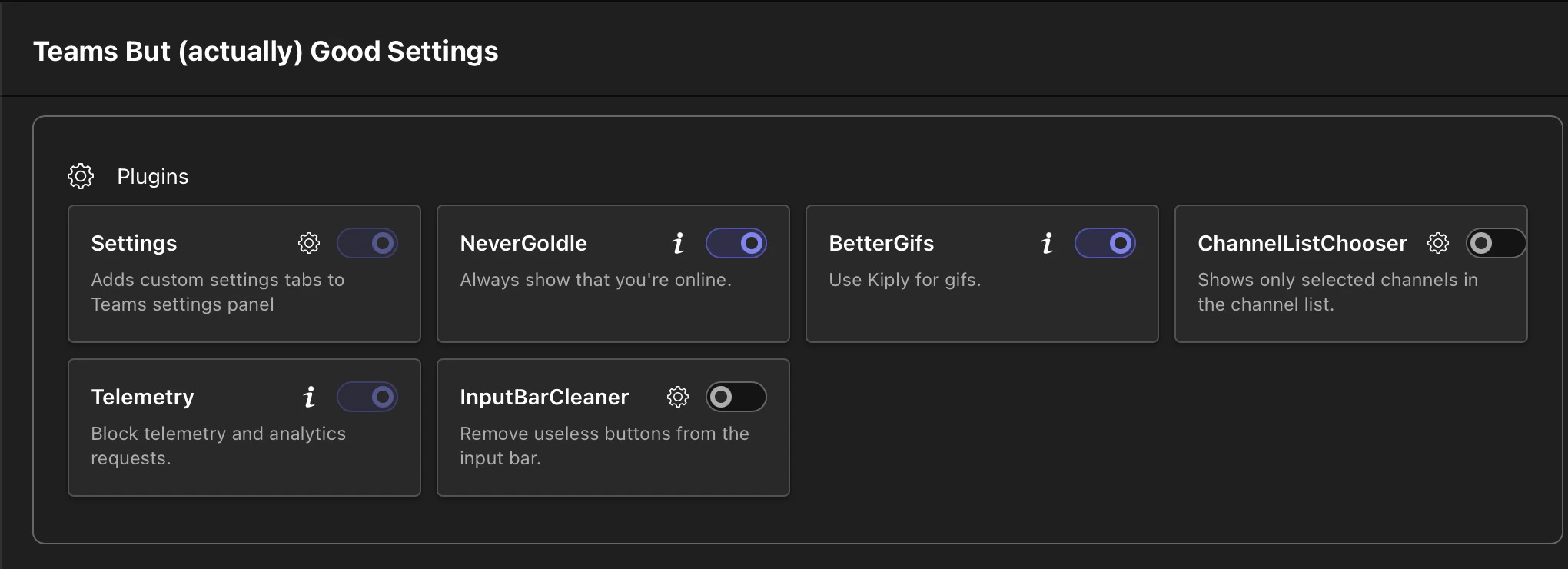
Plugins get added / removed with time, so your plugin list might not look the same as the one on the photo
Some plugins / settings in plugins / themes, might require you to restart teams, a big button will appear if that’s the case, you just need to press on it, like the one below
Settings which is mandatory)
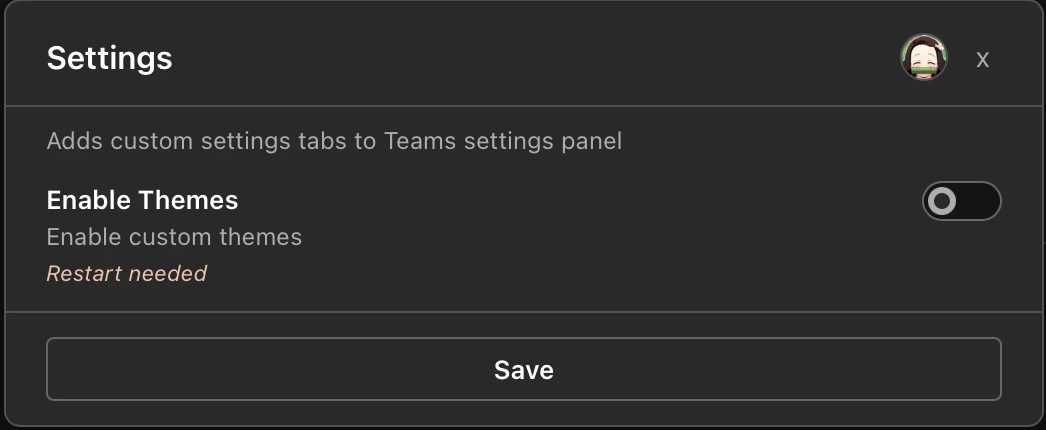
Plugins can also have settings, like the Settings plugin which you can disable or enable the Themes altogether (which does require a restart)
Like for plugins, Themes get added / removed with time, so you’ll probably see something different than the screenshot
